
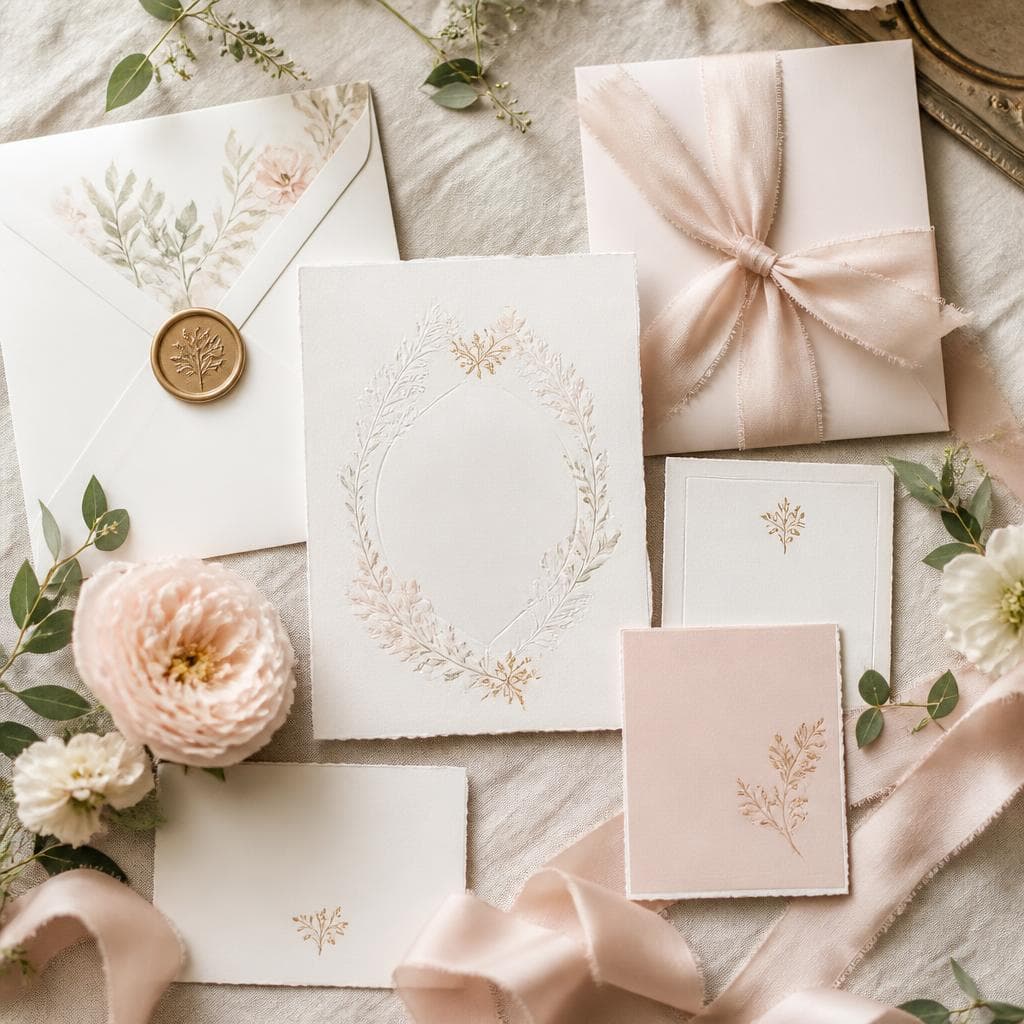
Wedding invitation: essential information not to forget
A beautiful wedding invitation should above all be easy to understand. Guests must be able to know where to go, at what time, how to confirm their attendance and where to find additional information. Before choosing the paper or typography, start by organizing the content.
Essential information
List the couple's first names, the date and the venues involved. If the town hall, the ceremony and the reception are at different addresses, clearly separate the stages. Add the times only when they are sufficiently confirmed.
How to handle the RSVP?
Specify a deadline and how to respond. An online form can simplify collecting responses, especially when you need to know the number of adults, children or certain dietary restrictions.
The request should be very clear: attendance at the wedding, attendance at the ceremony, number of people and any additional information.
Add practical information
Depending on your wedding, you can indicate a dress code, parking options, a shuttle, recommended hotels or guidance regarding children. However, don't overload the main card. A small additional card or a wedding website can gather the details.
Mistakes to avoid
An incomplete address, an outdated time or a missing RSVP date can cause a lot of questions. Have the invitation proofread by two people who are not familiar with the organization: if they immediately understand the schedule, your information is probably clear enough.
To organize travel, consult our guide on the guest transport.
Frequently asked questions
How long before the wedding should you send the invitation?
Allow enough time to collect responses and finalize the guest count with vendors.
Should all information be put on paper?
No. Detailed information can be centralized on an additional digital platform.
Create an invitation that answers practical questions
Someone unfamiliar with your venue should understand where to go, when to arrive and how to reply. Separate information for everyone from details that apply only to certain guests. For a wedding with several events, an additional card or private page can explain each stage without crowding the invitation.
Gather the details before designing
Confirm names, the date, exact addresses and arrival times for each ceremony. Distinguish the requested arrival time from the start of the celebration. Check entrances, parking and accessibility with each venue. Make clear whether the invitation includes the ceremony, drinks, dinner and the following day. Personalised invitations help avoid misunderstandings about which events a guest is attending.
A wording template to personalise
“We would love to celebrate our wedding with you on [date]. Please arrive at [time] at [venue name and address]. The ceremony begins at [time]. Join us afterwards for [drinks or reception] at [location]. Please reply by [deadline] via [reply method]. Practical information: [link or contact].” Replace every bracketed detail. If you include a QR code, also print a short web address or contact so guests can reply without scanning it.
Proofread a sample before printing
Ask someone outside the planning team to locate the venues and explain the schedule back to you. Check dates, names, accents and readability on paper. Test the link and QR code on different phones, including the privacy settings of the destination page. Have each language version reviewed: times and addresses must remain consistent across translations.
Manage replies and later changes
Choose a reply deadline that allows time to follow up before confirming numbers with vendors. Collect only what you need: attendance, events attended and practical requirements for welcoming guests. Keep a single record so phone and form replies do not conflict. If a time or venue changes, contact affected guests directly; editing the online page alone does not ensure they will see it. A wedding planner can help coordinate confirmations.
DreamWeds
Find your dream vendors
Photographers, caterers, venues and much more — compare up to 4 vendors side by side.
Discover vendorsArticles on the same topic

Wedding seating plan: placing large, blended or feuding families
Separated parents, estranged families, dozens of cousins, guests who don't know anyone: how to build a seating plan that avoids tensions.

Wedding guest list: Excel spreadsheet or app?
Excel, Google Sheets or a dedicated app: what each solution does well for managing a wedding guest list, and how to switch from one to the other without re-entering everything.
Wedding budget allocation: what percentage for each item?
Caterer, venue, photographer, outfits, music: the recommended share for each item in a wedding budget, and how to adapt it to your reception and your tradition.